
Using Data Sources
4 Using Data Sources
Section titled “4 Using Data Sources”4.1 Viewing the data sources
Section titled “4.1 Viewing the data sources”To see a list of all the configured custom data sources, click on Data sources in the left-hand menu. See section 1.6.
4.2 Using a data source
Section titled “4.2 Using a data source”The Source field in the “Value” section of a component lists all the available data sources for that component (see section 1.5)
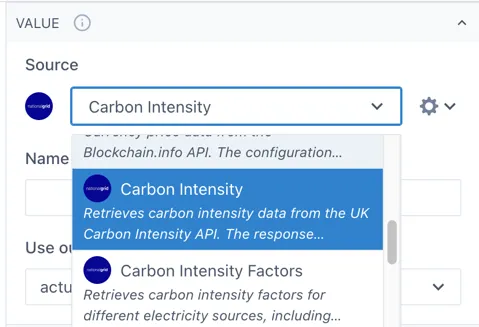
Scroll down the list or start typing the name of the data source you would like to use.
If there are any required inputs or available options for the selected data source, these will appear under the source field.
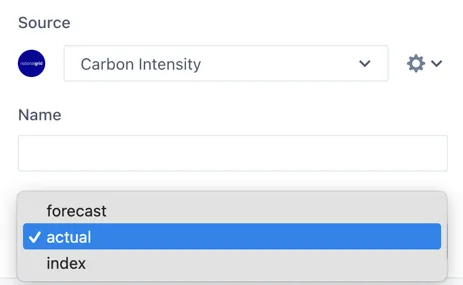
For example, this Carbon Intensity data source has three available outputs to choose from.